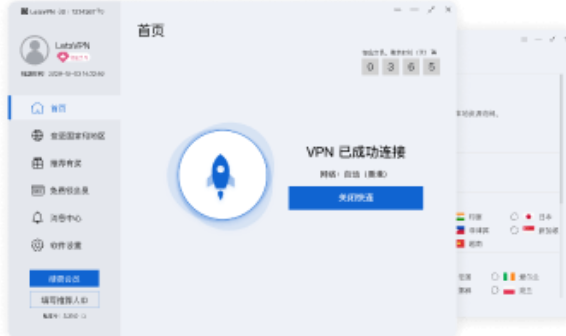
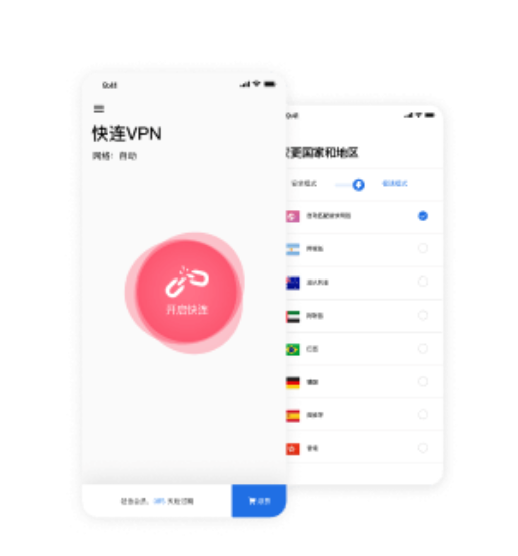
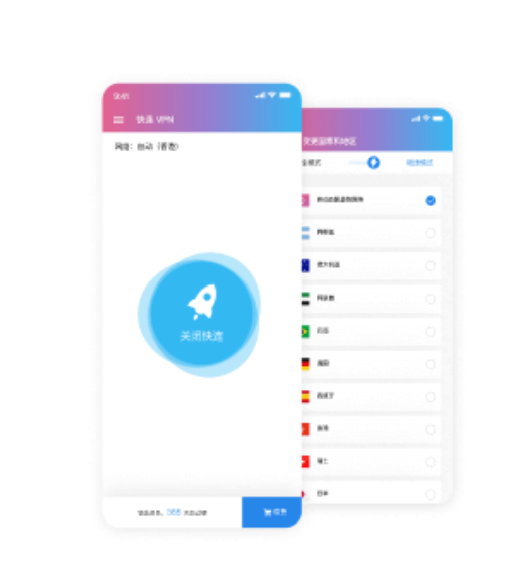
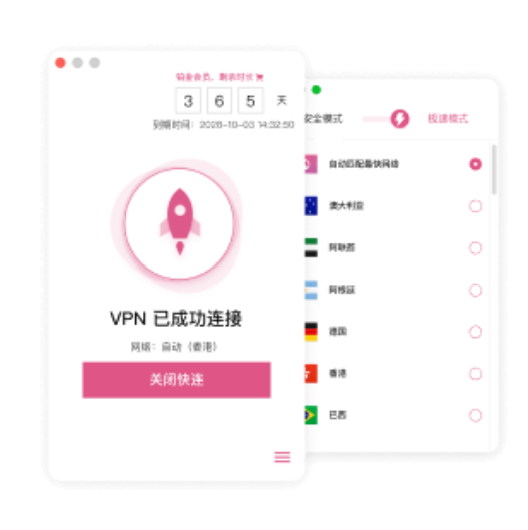
Simplified connection setup
LetsVPN minimizes the need to configure server addresses, ports, and other network parameters manually. Users can start a VPN connection from the client and manage the service through a consistent interface.
VPN service · Smart connection · Multi-device support
LetsVPN is a VPN service built around simplified connection setup, adaptive node selection, encrypted network traffic, and support for Windows, macOS, Android, and iOS. It is designed for users who need a consistent connection workflow across changing networks and devices.
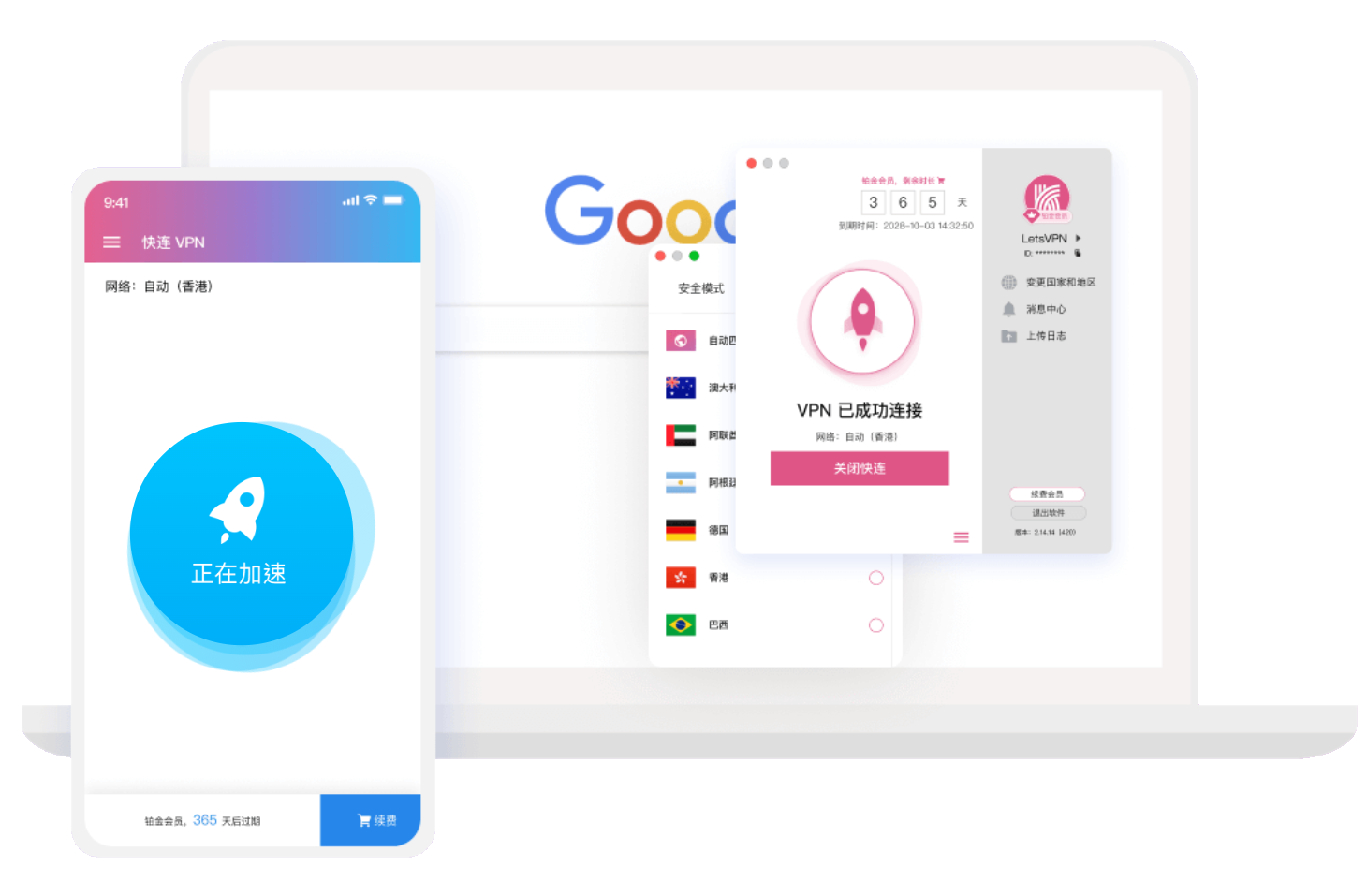
LetsVPN is designed to reduce the amount of manual network configuration required before establishing a VPN connection. Its connection logic can match users with an available network node, while actual performance still depends on local network quality, routing conditions, device state, and the destination service.



LetsVPN combines simplified connection controls, adaptive network selection, encrypted transport, and support for major desktop and mobile platforms. These capabilities are intended to reduce setup friction while keeping the service practical across different devices and network environments.
LetsVPN minimizes the need to configure server addresses, ports, and other network parameters manually. Users can start a VPN connection from the client and manage the service through a consistent interface.

The service can match the connection with an available network node based on current conditions. This reduces repeated manual switching, although latency and throughput can still vary by location, network congestion, and destination.

LetsVPN can be used with common web services, communication tools, media platforms, and remote-work applications. Availability and performance can vary by region, node status, local network policy, and the rules of the target service.

LetsVPN supports major desktop and mobile systems, allowing users to keep a similar connection workflow when moving between a computer, phone, or tablet.

A VPN connection protects network traffic between the device and the VPN service from direct observation on the local network. It does not replace account security, system updates, HTTPS, or protection against phishing and malicious software.
VPN performance is not determined by one speed figure. Connection setup time, latency, throughput, stability, device behavior, local network quality, routing conditions, and destination-service policies all influence the final experience.
Connection setupNode selectionLocal network conditions Location changesDevice consistencyDestination services
Privacy & Security
LetsVPN states that it does not actively log users' browsing activity or collect personally identifiable information. Service, performance, crash, and diagnostic data may be generated locally on the device and is received for troubleshooting only when a user chooses to upload it. VPN encryption protects network transport, but users should still rely on secure websites, strong authentication, system updates, and careful handling of sensitive information.
 Simplified connection controls
 No active logging of browsing activity
 Encrypted VPN network traffic
 Additional protection on untrusted local networks
 Verify the installer source before installation
A useful VPN evaluation should focus on repeatable network behavior rather than a single connection test. Compare performance across the networks, devices, and services you actually use before deciding whether the service fits your routine.
Measure whether LetsVPN establishes a usable connection consistently across several attempts and different times of day, rather than relying on one successful connection.

Observe whether the VPN remains connected during normal browsing, calls, downloads, or streaming, and whether it recovers cleanly after the network changes.

Compare response time before and after connecting. Lower latency can matter more than peak download speed for calls, remote work, interactive services, and everyday browsing.

Test the systems you actually use and compare whether connection controls, account access, and day-to-day behavior remain practical across desktop and mobile devices.

Test the websites and applications that matter to you. Availability can differ by destination service, region, account status, and network policy.

Move between WiFi and mobile data, or between different WiFi networks, and observe whether the client can restore a usable connection without excessive manual intervention.

LetsVPN provides clients for Windows, macOS, Android, and iOS. Select the version that matches your device, then evaluate connection setup, stability, latency, and access to the services you use most often.
FAQ
These answers summarize the product's role, supported platforms, smart connection behavior, privacy approach, and the main factors that influence VPN performance.
LetsVPN is a VPN service for Windows, macOS, Android, and iOS. It provides simplified connection controls, adaptive node selection, encrypted network traffic, and support for everyday use across changing network environments.
LetsVPN describes its connection system as an intelligent mechanism that can automatically match users with a network node. The selected route can still perform differently depending on local network quality, region, congestion, and the destination service.
LetsVPN provides clients for Windows, macOS, Android, and iOS. Installation methods and system permissions differ by platform, so users should use the client designed for their current device.
LetsVPN states that it does not actively log users' browsing activity or collect personally identifiable information. Diagnostic and performance data may be generated locally and is received for troubleshooting only when the user chooses to upload it.
No. VPN performance depends on routing, local bandwidth, node load, latency, device conditions, and the destination service. A VPN can improve some routes while adding latency or reducing throughput on others.
A VPN connection protects network traffic between the device and the VPN service from direct observation on the local network. Users should still rely on HTTPS, strong passwords, two-factor authentication, and secure devices.
No VPN service can guarantee identical availability in every network environment. LetsVPN has also stated that service availability in mainland China cannot currently be guaranteed, so users should evaluate the service based on their actual location and network conditions.
Test connection setup, latency, stability, network switching, device compatibility, and the websites or applications you use regularly. Repeating these checks across different networks provides a more useful picture than a single speed test.
A VPN typically creates an encrypted network tunnel for device traffic, while a proxy may only redirect traffic from a browser or individual application. The exact behavior depends on the software and platform configuration.
LetsVPN supports major desktop and mobile platforms. Account rules and simultaneous-device limits can vary by subscription, so users who need several devices online at once should confirm the current plan terms.
No. VPN encryption addresses network transport, but it does not replace antivirus protection, operating-system updates, safe browsing practices, account security, or protection against phishing and malicious files.
Confirm that the underlying network works, the client is current, and the operating system permits VPN connections. Then retry the connection or test another network. Persistent problems can also depend on regional service conditions.